ترجمة: Download All Generated Icons

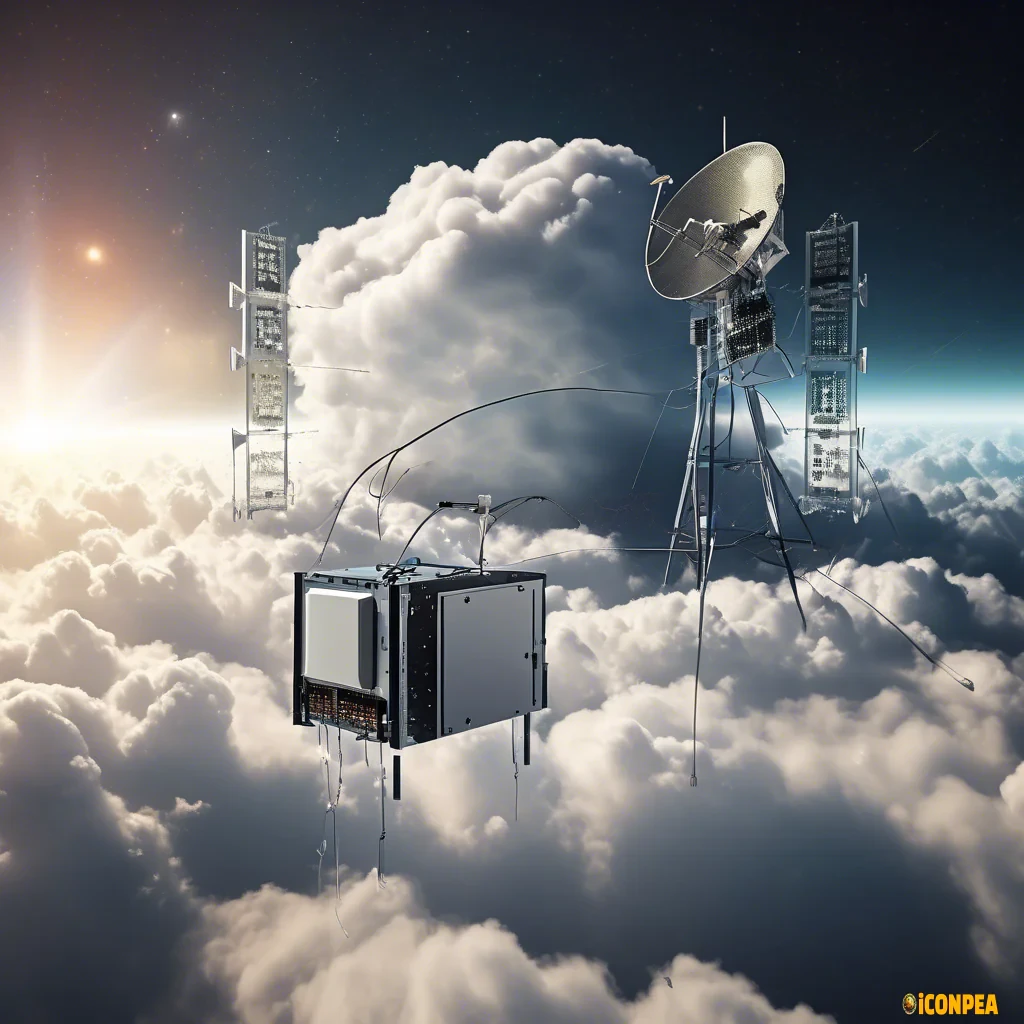
satellite over a cloud beaming radio signals back to a server rack on the ground

satellite over a cloud beaming radio signals back to a server rack on the ground

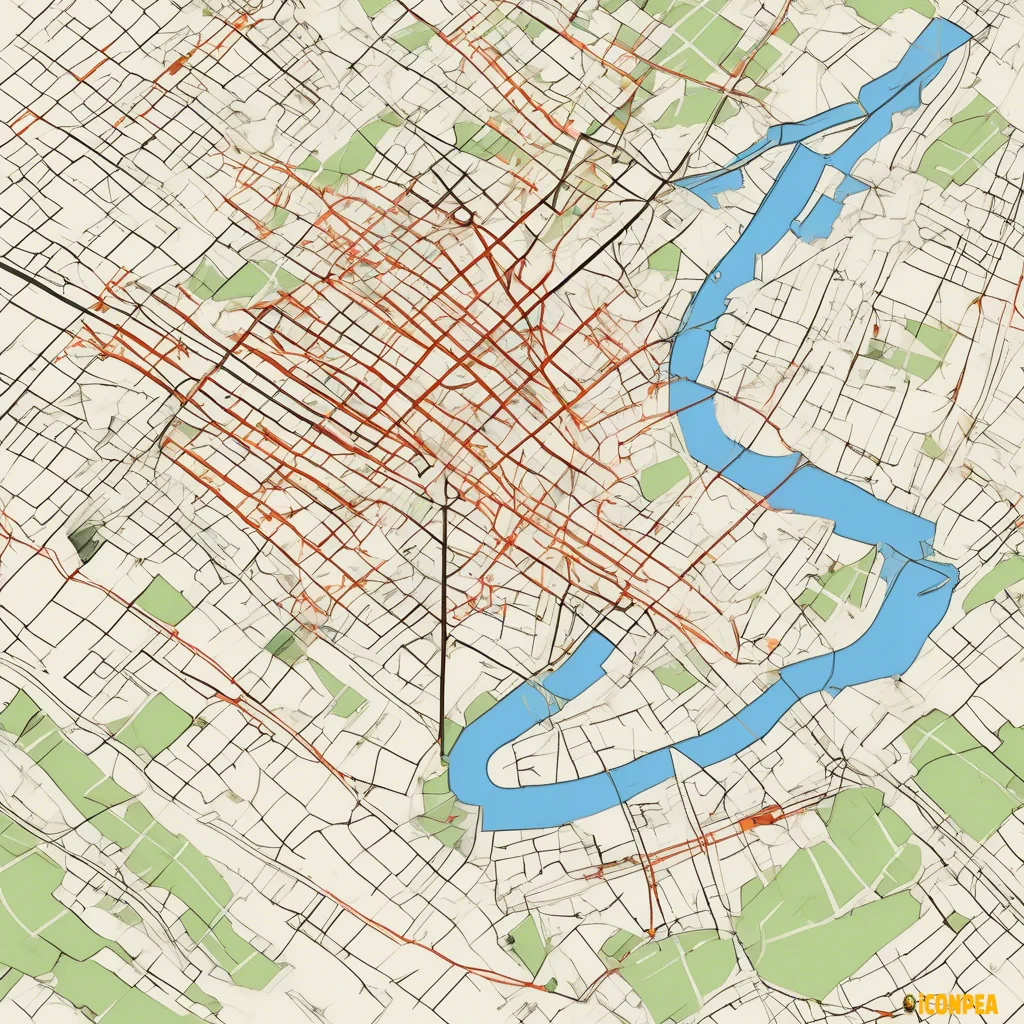
gis database field updated icon for tools

gis database field updated icon for tools

2d minimalist icon for HELP

2d minimalist icon for HELP

2d flat icon for a HELP menu item

2d flat icon for a HELP menu item

2d flat icon for a HELP menu item

2d flat icon for a HELP menu item

chatgpt icon with black borders

chatgpt icon with black borders

a white construction tool with blue background

a white construction tool with blue background

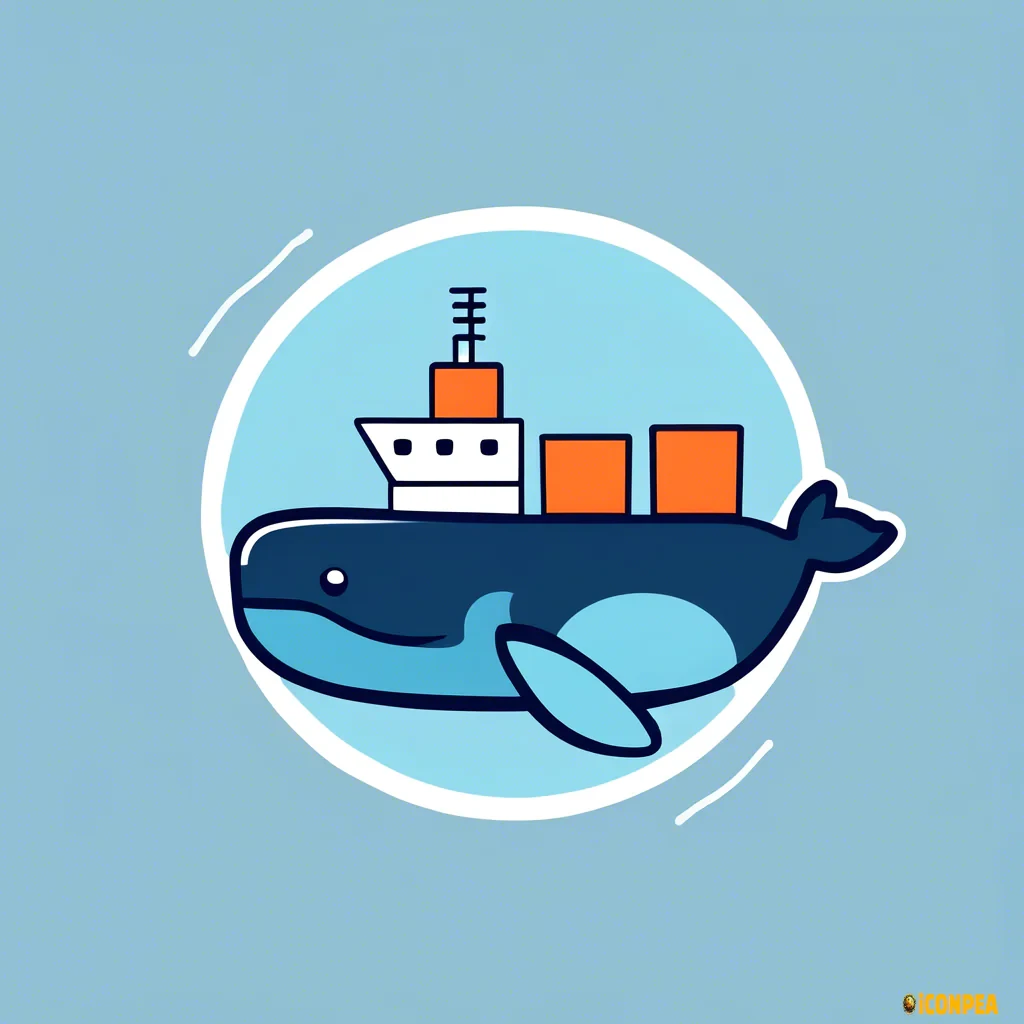
Generate an icon for a web project that represents 'Docker Pull'. The icon should include the following elements: Docker Logo: Incorporate a simplified version of the Docker logo, which is a whale with containers on its back. The whale should be stylized and minimalistic, with a few containers visible on its back to symbolize Docker's containerization technology. Pull Action: Include a downward arrow or a 'pull' action indicator to represent the concept of pulling Docker images from a repository. The arrow should be integrated seamlessly with the Docker whale logo, pointing downwards to indicate the direction of the pull action. Web Interface Elements: Add subtle web-related elements in the background to suggest a web environment. This could include a simplified browser window, a cloud icon to represent remote repositories, or a network connection symbol. Color Scheme: Use a modern color palette with shades of blue (to represent technology and reliability) and white (for clarity and simplicity). The Docker whale and containers should be in a darker blue, while the arrow and web elements can be in a lighter blue or white. Style: The overall design should be flat and minimalistic, suitable for modern web applications. Ensure that the icon is scalable and maintains its clarity at different sizes. Usage: The icon should be suitable for use on websites, web applications, and user interfaces. It should convey the idea of pulling Docker images in a web context, combining both technology and ease of use.


Generate an icon for a web project that represents 'Docker Pull'. The icon should include the following elements: Docker Logo: Incorporate a simplified version of the Docker logo, which is a whale with containers on its back. The whale should be stylized and minimalistic, with a few containers visible on its back to symbolize Docker's containerization technology. Pull Action: Include a downward arrow or a 'pull' action indicator to represent the concept of pulling Docker images from a repository. The arrow should be integrated seamlessly with the Docker whale logo, pointing downwards to indicate the direction of the pull action. Web Interface Elements: Add subtle web-related elements in the background to suggest a web environment. This could include a simplified browser window, a cloud icon to represent remote repositories, or a network connection symbol. Color Scheme: Use a modern color palette with shades of blue (to represent technology and reliability) and white (for clarity and simplicity). The Docker whale and containers should be in a darker blue, while the arrow and web elements can be in a lighter blue or white. Style: The overall design should be flat and minimalistic, suitable for modern web applications. Ensure that the icon is scalable and maintains its clarity at different sizes. Usage: The icon should be suitable for use on websites, web applications, and user interfaces. It should convey the idea of pulling Docker images in a web context, combining both technology and ease of use.